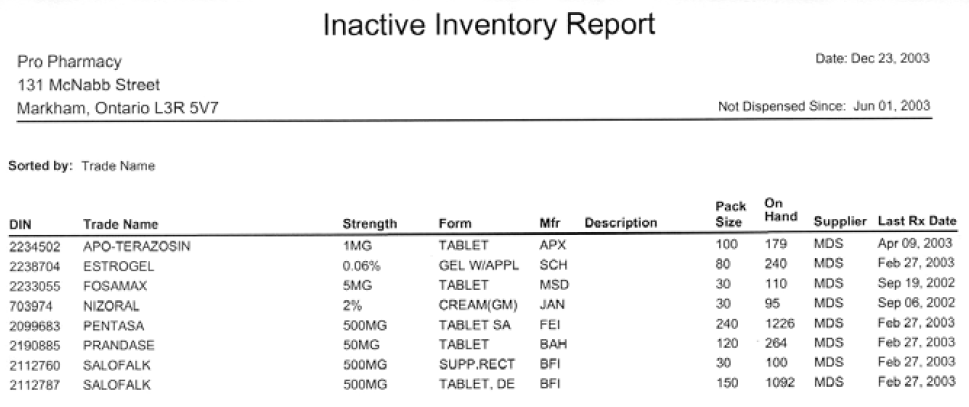
Inactive Inventory Report
The Inactive Inventory report lists monitored products that have not been dispensed since a specified date. A product is inactive if it has not been dispensed in any prescriptions during the report period. This is determined by looking at the shipments for each product in the Shipments for Selected Pack Size window in the Drug Folder.
Only a Start Date is required, as the current date is used for the end of the report period. The report can be generated for all inactive monitored products, or it can be generated for products from a specific supplier and/or manufacturer.
Sort Option
The report can be sorted by Last Rx Date, Manufacturer, Supplier or Trade Name. The Sorted By field on the report indicates the selected sort option.
Extended Criteria
Use the Extended criteria tab to select T-Trade or G-Generic drug name to print on the report.
Sample Report
Click on an area in the sample report to see a description of the field.